
Download Joyoshare iPasscode Unlocker – iOS screen lock removal tool
Overview and Core Purpose
Joyoshare iPasscode Unlocker is a dedicated security utility created by Joyoshare Studio that helps users bypass iOS screen locks, Apple ID restrictions, Mobile Device Management (MDM) profiles, and screen‑time passcodes. The software is especially useful when a device becomes inaccessible after multiple failed attempts, when Touch ID or Face ID stops responding, or when the original passcode has simply been forgotten. By connecting an iPhone or iPad to a Windows or macOS computer via the original USB cable, the tool can erase the existing lock while preserving the ability to restore a fresh backup later.
Joyoshare offers both a free trial and a premium license; the trial lets you walk through each unlocking step but requires a purchase to complete the process on a locked device. While the app does not provide data‑recovery capabilities, it guarantees a secure, one‑click workflow that eliminates the need for complex command‑line operations or third‑party jailbreaks. Users are reminded to back up their data before proceeding, as the unlocking process performs a factory‑reset‑style wipe of the device’s settings and content.
The intuitive interface makes it accessible to both tech‑savvy professionals and casual iOS owners who need a reliable solution for forgotten passcodes.
Key Features, Benefits, and Balanced Review
- Unlock 4‑digit, 6‑digit, and complex alphanumeric iOS passcodes.
- Bypass Apple ID activation lock without requiring the original credentials.
- Remove MDM profiles imposed by corporate or educational institutions.
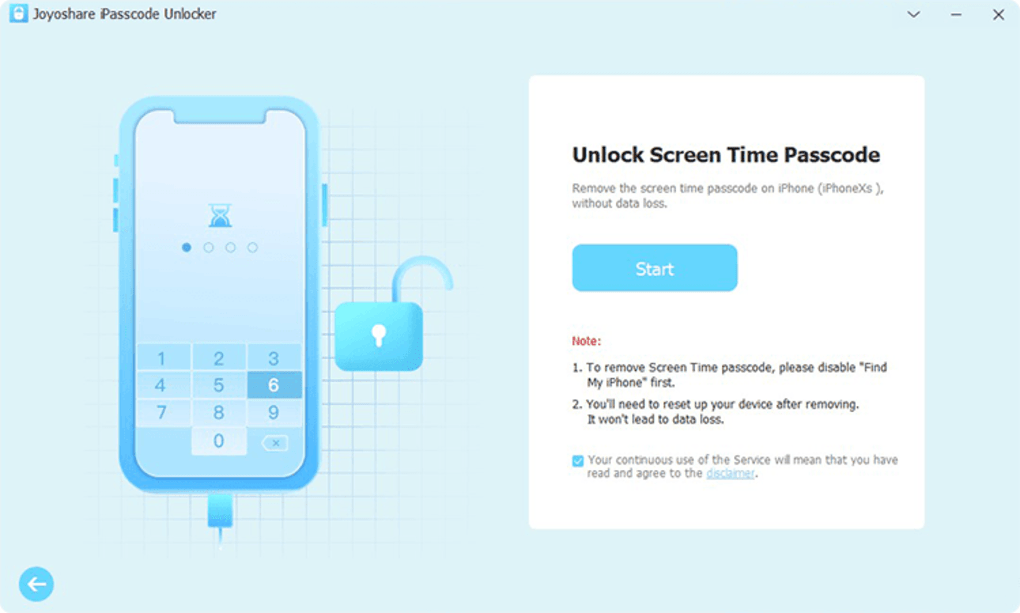
- Disable screen‑time passcode while keeping apps and data intact.
- One‑click “Unlock iOS Screen” workflow for Windows 10/11 and macOS 12+.
- Step‑by‑step guide and 24/7 technical support from Joyoshare Studio.
- Secure data handling – all operations occur locally on the user’s computer.
Pros
- Fast unlocking process – most devices are ready within 10‑15 minutes.
- Broad compatibility with iOS 9 through iOS 17 devices.
- Clear UI eliminates guesswork; even first‑time users can follow the steps.
- Free trial allows users to verify functionality before purchasing.
- Regular software updates keep the tool effective against newer iOS security patches.
Cons
- Full unlocking requires a paid license; the trial only demonstrates the workflow.
- No built‑in data‑recovery option – a separate backup is mandatory.
- All unlocking actions erase device settings, which may be inconvenient for some users.
- Advanced features such as batch unlocking are locked behind the premium version.
Installation, Usage Instructions, and System Compatibility
Getting started with Joyoshare iPasscode Unlocker is straightforward. First, download the installer from the official Joyoshare website. The application is available for both Windows and macOS platforms. After the download completes, run the executable (for Windows) or the .dmg file (for macOS) and follow the on‑screen prompts to install the program. The installer checks for necessary drivers and ensures that iTunes or Apple Mobile Device Support is present, which is required for the computer to communicate with the iOS device.
Step‑by‑step unlocking process:
- Launch Joyoshare iPasscode Unlocker on your computer.
- Connect the locked iPhone or iPad using the original USB cable.
- In the main window, select “Unlock iOS Screen” from the left‑hand menu.
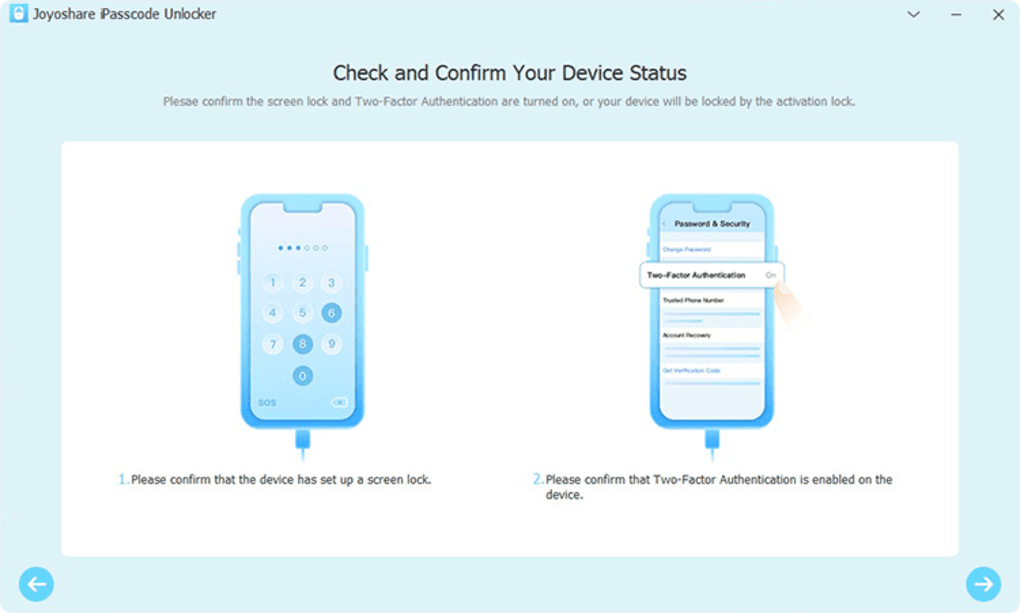
- Click the “Start” button; the software will detect the device model and iOS version.
- Read the warning that all data will be erased, then confirm to begin the unlocking routine.
- Wait while the tool downloads the appropriate firmware package and flashes the device.
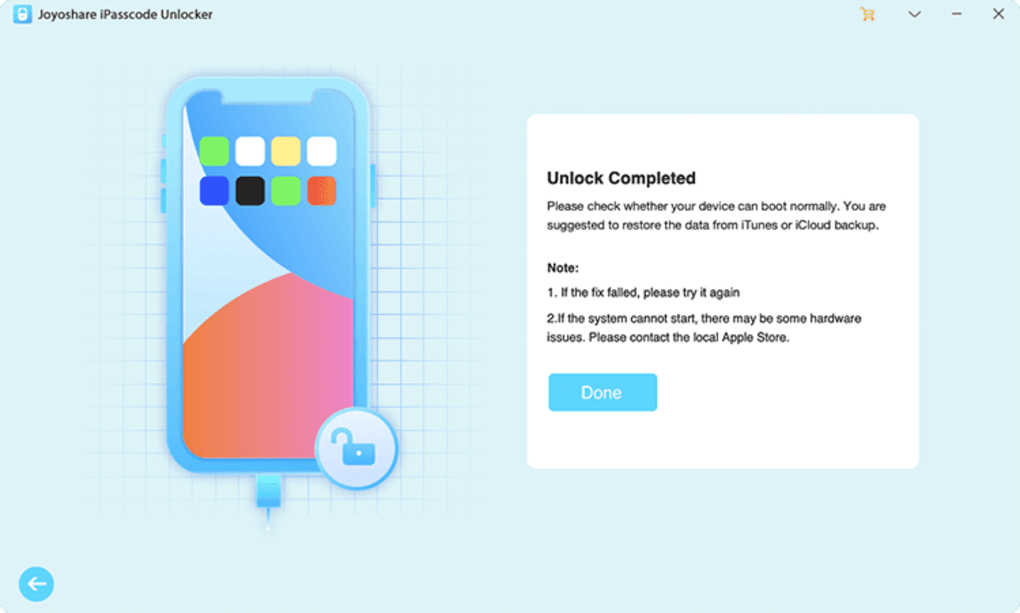
- Once the process finishes, the device restarts without any passcode request.
- Use iTunes or Finder to restore a previously saved backup, or set up the device as new.
Operating system compatibility is listed under the itemprop="operatingSystem" attribute:
- Windows 10, Windows 11 (64‑bit)
- macOS 12 Monterey, macOS 13 Ventura, macOS 14 (Apple Silicon and Intel)
The software does not support Linux or older versions of Windows (e.g., Windows 7) due to driver limitations. Joyoshare recommends keeping the host computer up to date with the latest OS patches to avoid connectivity issues. If the device fails to enter recovery mode, the built‑in troubleshooting guide suggests checking the USB cable, disabling security software temporarily, and ensuring that the device’s battery is at least 30 % charged.
Frequently Asked Questions
Can Joyoshare iPasscode Unlocker recover deleted data after unlocking?
No. The tool focuses solely on removing screen locks, Apple ID, MDM, and screen‑time passcodes. It does not provide data‑recovery functions, so you should back up your device before starting the unlocking process.
Is the unlocking process safe for my device’s hardware?
Yes. Joyoshare uses official Apple firmware packages to flash the device, which is the same method iTunes/Finder uses for standard restores. The procedure does not modify the hardware and will not void the warranty.
Do I need an internet connection during unlocking?
An internet connection is required the first time you run the program to download the appropriate iOS firmware for your device. Subsequent unlocks on the same iOS version can use the cached firmware file.
Can I use the trial version to unlock a fully locked iPhone?
The trial version lets you go through the entire workflow, but the final unlocking step is blocked until you purchase the full license. This design allows you to verify compatibility without spending money.
What happens to my apps and settings after the device is unlocked?
All apps, settings, and personal data are erased during the unlocking process, similar to a factory reset. You can restore a previous backup via iTunes/Finder after the device restarts, which will bring back your apps and configurations.
Conclusion – Unlock Your iOS Device with Confidence
Joyoshare iPasscode Unlocker delivers a secure, fast, and user‑friendly method for removing iOS screen locks, Apple ID restrictions, MDM profiles, and screen‑time passcodes. While the need for a paid license and the absence of built‑in data recovery are notable considerations, the tool’s high success rate across iOS 9‑17 devices makes it a worthwhile investment for anyone who has been locked out of their iPhone or iPad. Remember to back up your data before starting, follow the straightforward on‑screen instructions, and you’ll have your device unlocked in minutes. Ready to regain access to your iPhone? Download Joyoshare iPasscode Unlocker now and take advantage of the free trial to see the process in action.







